The four guides
-
Member guide
For everyone who has joined Qasa or is thinking of joining, including establishments that buy a membership.
-
Cashier guide
For cashiers at establishments: cafés, restaurants, fitness clubs, hotels and more.
-
Association staff guide
For Saudi Coffee Association staff who run the memberships and the establishments.
-
System administrator guide
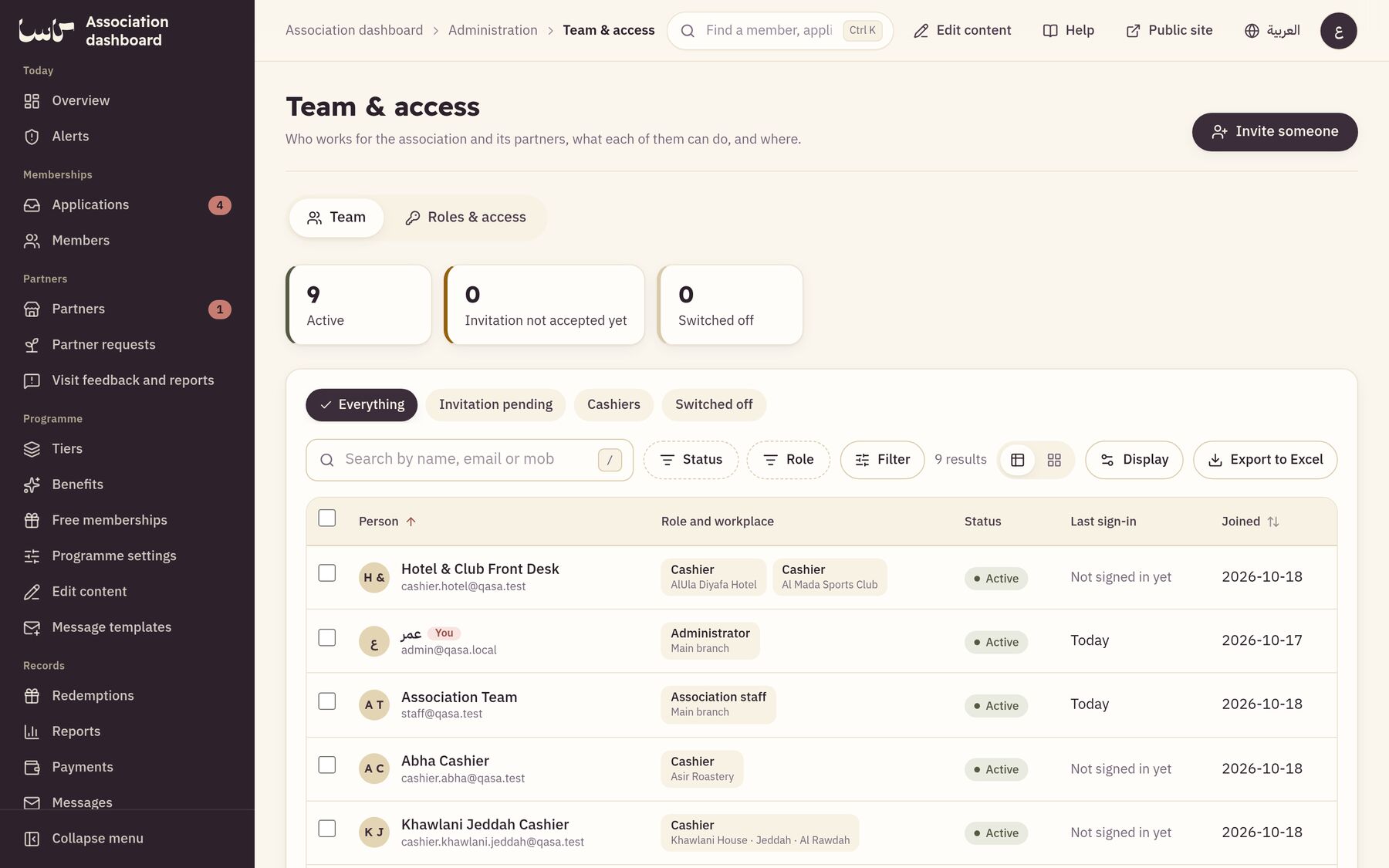
For the association’s system administrators: the people who run the team, access, settings and content.
What Qasa does for you
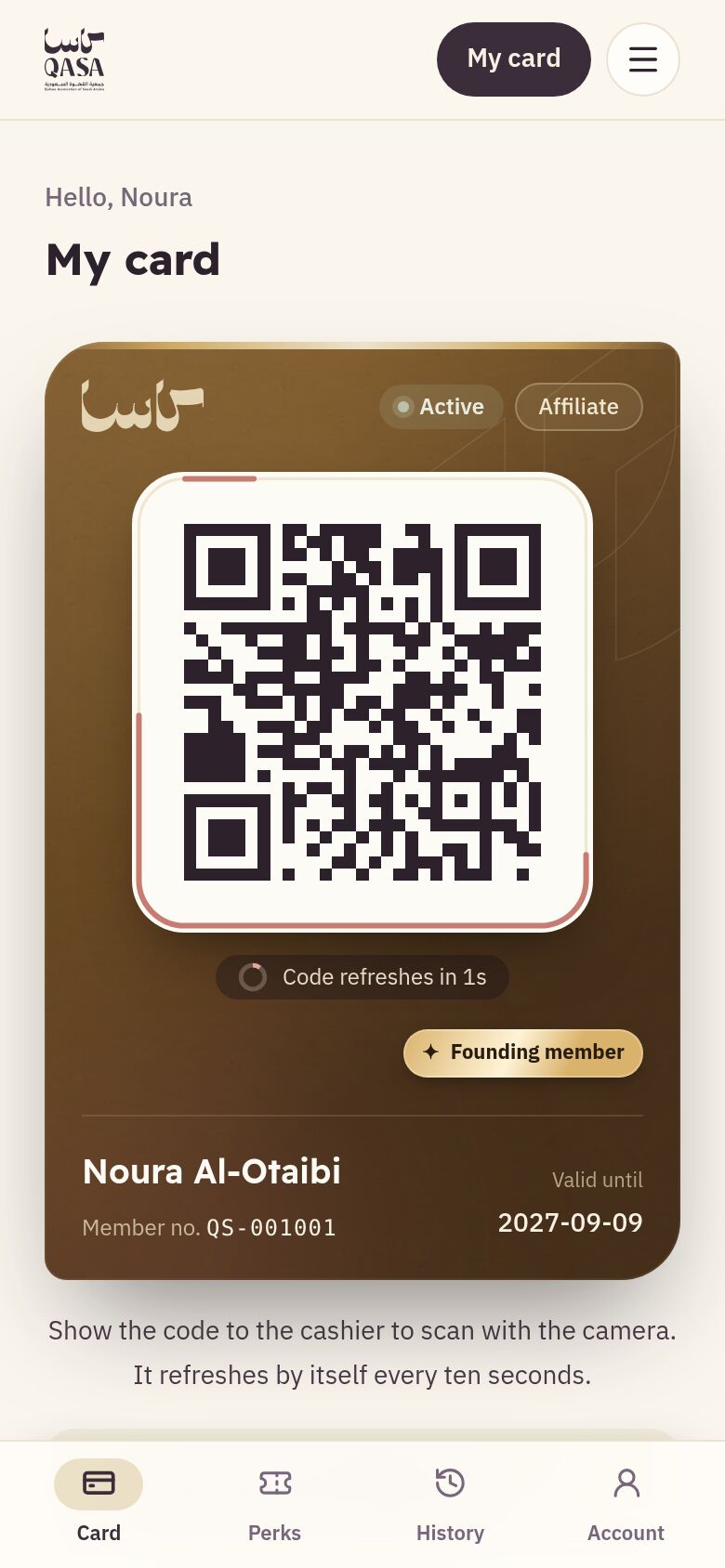
A card in your phone
A code that renews every ten seconds, so your card cannot be copied or lost.
Coupons at establishments
Free items and discounts at cafés, restaurants, gyms and hotels.
Scanned in seconds
The cashier finds the coupon by its number or code and hands over your product with a one-time code.
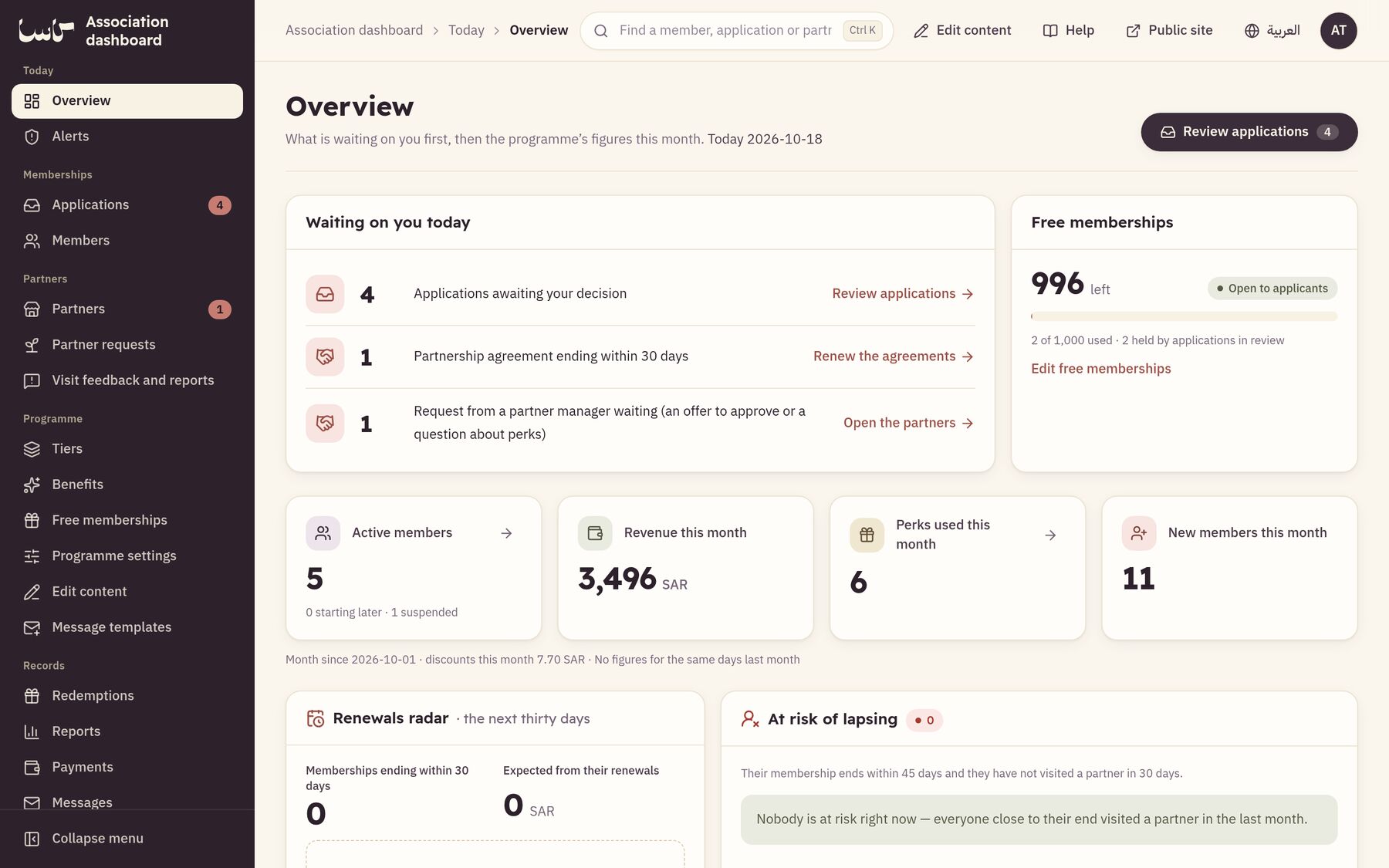
One dashboard for everything
Applications, payments, members, establishments and reports, with a log nobody can edit.
Quick answers
How do I join Qasa?
Press “Join now”, choose your tier, answer its questions and send the application. The Association reviews it, the payment link reaches you if it is approved, and your card is issued the moment you pay.
Where is my card?
Sign in and open “My card”, or press “Card” in the bar at the bottom of the phone screen. Add it to your Home Screen to reach it in one tap.
The cashier cannot read the coupon’s code. What do I do?
Turn the brightness up, or give them the coupon number or pickup reference from “My coupons” to type.
How do I renew?
In the last thirty days, “Renew your membership” appears on “My card”. The membership is extended the moment you pay, and the new term starts when the current one ends.
I forgot my password.
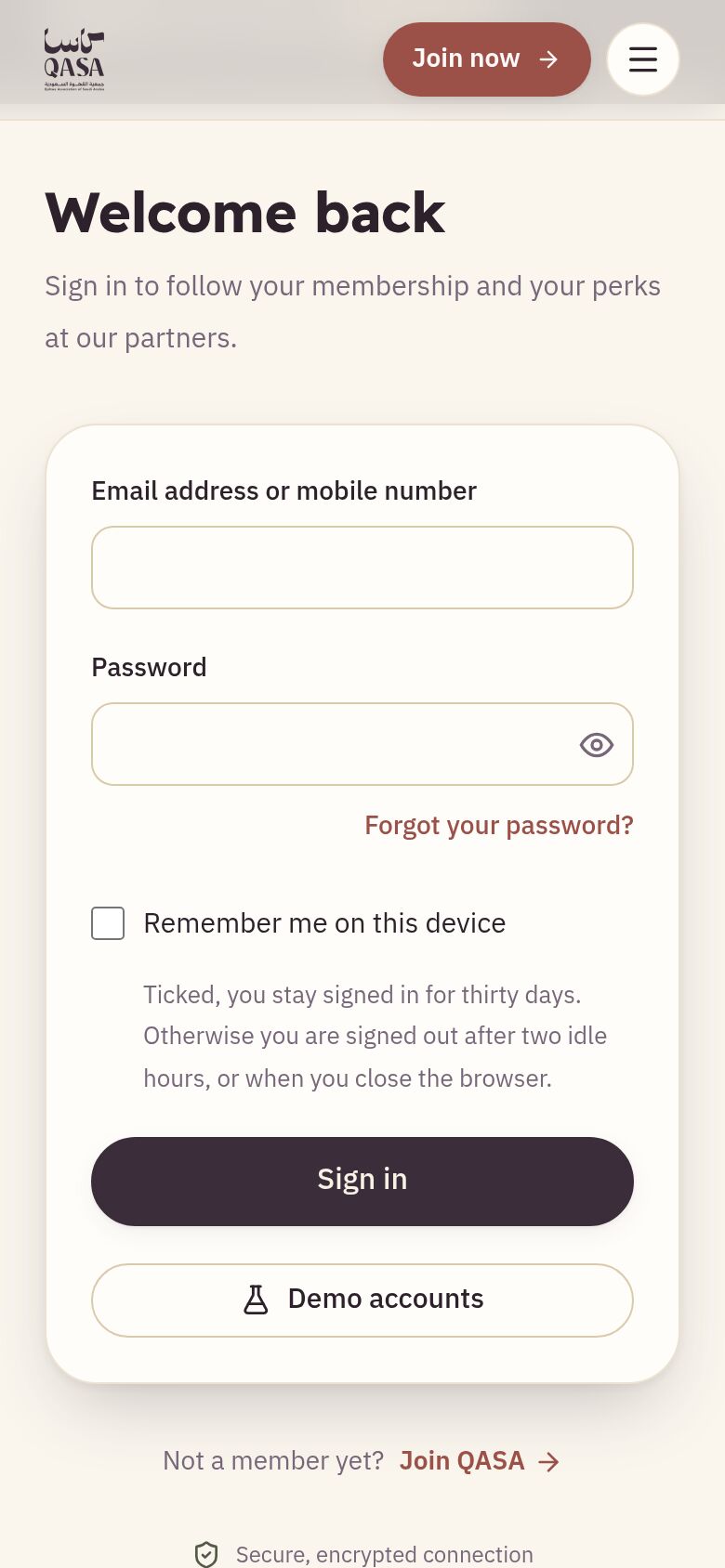
Press “Forgot your password?” on the sign-in page and you receive a link, valid for one day, to choose a new one.
How does the cashier hand over a coupon?
They find the coupon by its number or code and see that it is ready to collect, then send the customer a confirmation code and type what they read out. The handover is recorded at once.